













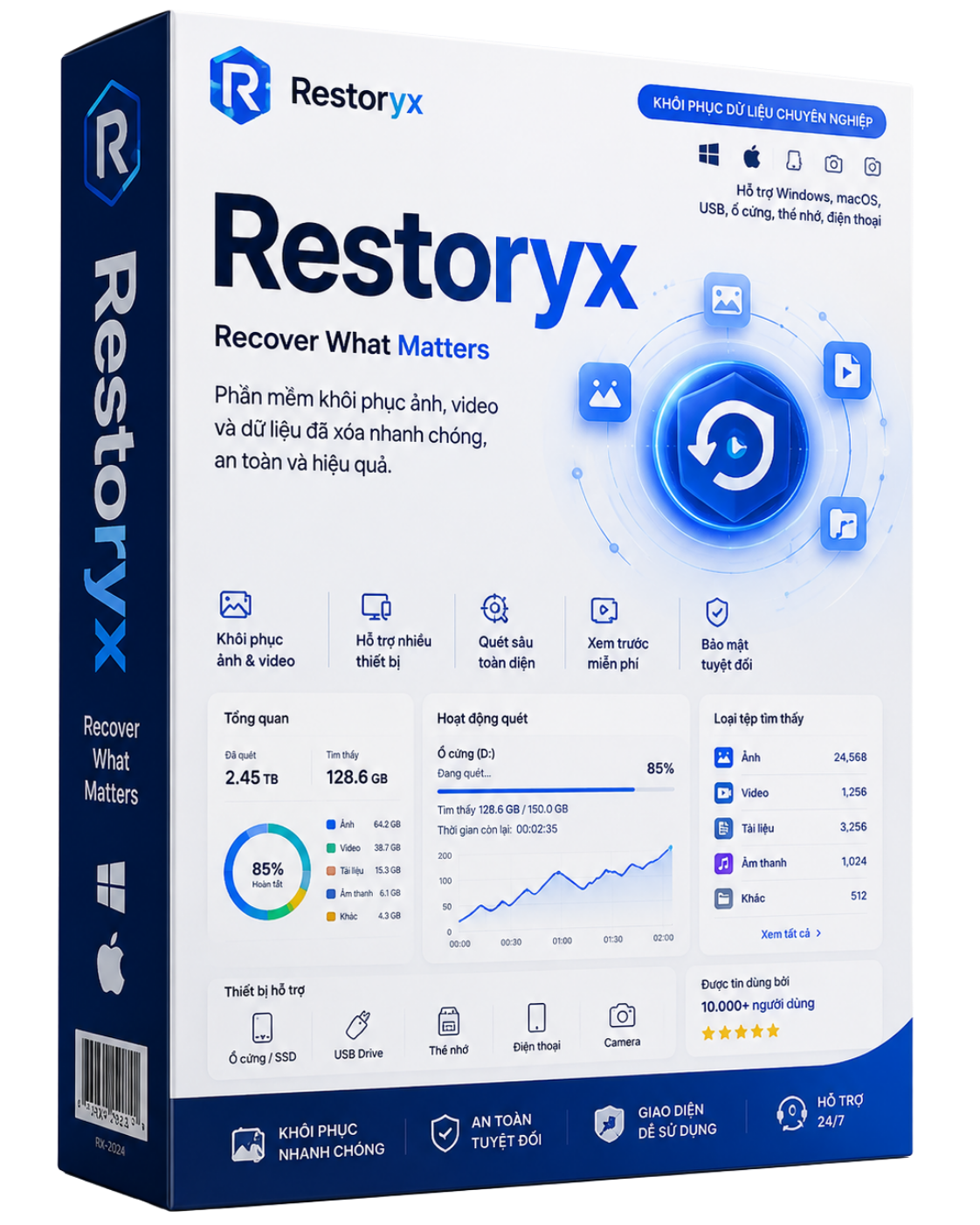
Restoryx
Recover deleted photos & videos from memory cards, USB drives and computer disks. Deep scan even after format, thumbnail preview, filter by date/format/size, and secure card wipe.
Key features
Khôi phục ảnh & video đã xoá
Cứu ảnh/video lỡ xoá trên thẻ nhớ, USB, ổ đĩa — kể cả khi thẻ đã format.
Quét nhanh & quét sâu
Dò theo chữ ký tệp (JPG, PNG, HEIC, MP4, MOV…), đọc thẻ chỉ-đọc, an toàn tuyệt đối.
Xem trước thumbnail
Xem trước ảnh mượt mà (lưới ảo) dù có hàng trăm nghìn tấm.
Lọc theo ngày / định dạng / kích thước
Đặt khoảng ngày chụp, lọc đúng loại tệp & kích thước để tìm nhanh.
Quét theo thư mục
Chọn đúng một thư mục để gom ảnh, không lẫn ảnh cache của cả ổ.
Làm sạch thẻ an toàn
Ghi đè xoá vĩnh viễn để không ai khôi phục lại được trước khi bán/cho thẻ.
Choose your plan
How it works
Installation guide
.zip, right-click → Extract All into a folder, then open that folder.
Double-click the .exe (Windows) or .dmg (macOS) to install. Since the app is not yet code-signed, the OS may show a warning — this is normal for new software, not a virus. How to bypass:
- Click “More info”.
- Click the “Run anyway” button that appears.
- Right-click the app → Open → Open.
- Or System Settings → Privacy & Security → Open Anyway.
If Chrome says the file "may be dangerous": open the download arrow → Keep. If still blocked, use the .zip and extract it as in Step 1.